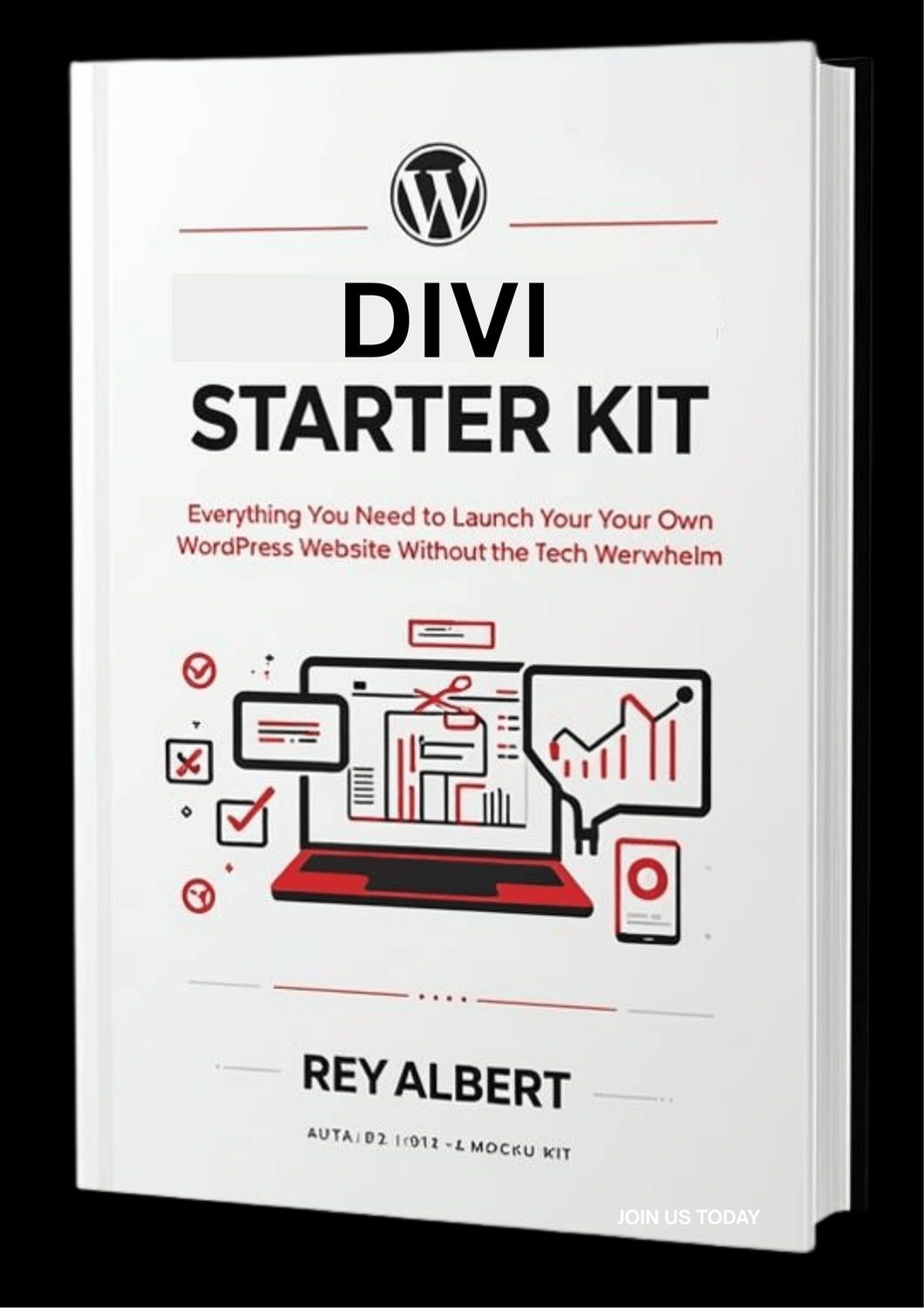
Get the free DIVI Starter Kit, and build a local service landing page with me step-by-step
“Launch your DIVI site the right way in a weekend (without tech headaches).”
Inside you’ll find:
Setup checklist (domain → Website login → essential settings)
Recommended Hosting + Tools (no junk, beginner-friendly)
Theme + Plugin Starter List - lightweight, clean, and fast.
I wasted nights watching random YouTube videos, trying to piece everything together. Nothing lined up. I just wanted someone to say: do this first, then that, here’s the right tools — boom, done.
That’s what this Starter Kit does.
No fluff. No hype. Just the straight path from blank domain → working website.
If Any Or All Of These Points Resonate This Is For You
You’re tired of Googling “how to install WordPress” for the tenth time.
You want to build your own website — but don’t want to break it.
You’ve got a small business or side hustle idea and just need a real site to make it happen.
You’re ready to stop spinning your wheels and finally launch.

About The Author
Rey Albert
Hey, I’m Rey Albert — I’ve built dozens of WordPress and Divi sites for local businesses here in Connecticut.
I created this Starter Kit to help everyday people — plumbers, handymen, small business owners — get online without spending thousands or wasting weeks trying to figure it out.”
When you first log in, it can be confusing to know what settings matter, what steps to take, and how to organize things properly.
Instead of guessing or wasting hours searching for answers, this Starter Kit lays out the essentials in plain language.
Each step includes a short explanation and tip, so you not only know what to do but also why it’s important. It’s designed to save time, prevent mistakes, and help you feel confident using your WordPress Dashboard.
“You Don’t Need to Be a Web Designer.
You Just Need the Right Starting Point.”
Download my free Starter Kit and launch your first WordPress site the right way — with confidence, not confusion.
Any questions, contact us Rey@milfordctmarketing.com
Beginners Set Up Starter Kit
We HATE spam. Your email address is 100% secure